
MacBook Pro M5
Recommended24GB+ memory recommended
Multiple agent sessions plus local servers: the safest choice as a main machine.
View on CoupangStarter Guide
From choosing a computer and setting up a terminal to explaining your first screen with a practical design toolkit.
Mac or Windows: set your starting criteria.
Why the terminal is your agent's office, with four tools introduced.
Setup recipes per tool and know-how for running agents in parallel.
Build your first screen with 20 resources and a ready-to-use AI prompt.
PART 1
An agent is like an employee who works alone for hours. It runs multiple sessions, spins up dev servers, and reads and writes files nonstop. Unlike chat-only AI use, memory capacity and OS fit strongly shape your throughput.
Running several agent sessions eats memory first. Apple Silicon Macs share one memory pool between CPU and GPU, which leaves more headroom for local AI work at the same capacity.
Claude Code's sandboxing works on macOS and Linux (WSL2). It's not yet supported on native Windows, so a Mac is easier if your workflow needs isolated runs.
iTerm2 and cmux are Mac-only, and Ghostty supports macOS and Linux first. Most new agent-focused tools install with a single Homebrew command.
That said, Macs don't win everywhere. If you train models on NVIDIA GPUs, Linux is the better fit. This guide is written for agent operation and inference workloads.
| Item | Mac | Windows |
|---|---|---|
| Running Claude Code | Native support | Native support (PowerShell install) |
| Sandboxed execution | Supported | WSL2 only |
| Agent-focused terminals | iTerm2, cmux, Ghostty, and Orca all available | Mostly Orca and Windows Terminal |
| Tool installation | Unified via Homebrew | Install paths vary per tool |
Before you buy, answer 4 questions to size your specs. The picks below follow the same criteria.
3-minute match
A lineup picked for agent work. 16GB of memory is the starting line; go 24GB or more if you run many sessions in parallel.
24GB+ memory recommended
Multiple agent sessions plus local servers: the safest choice as a main machine.
View on Coupang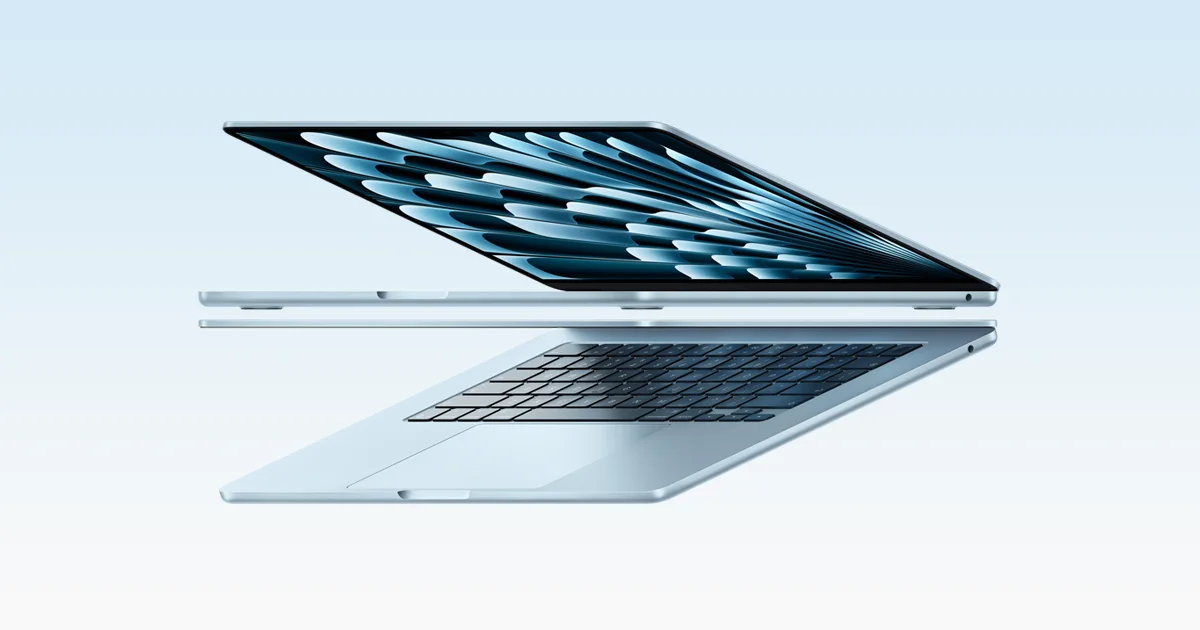
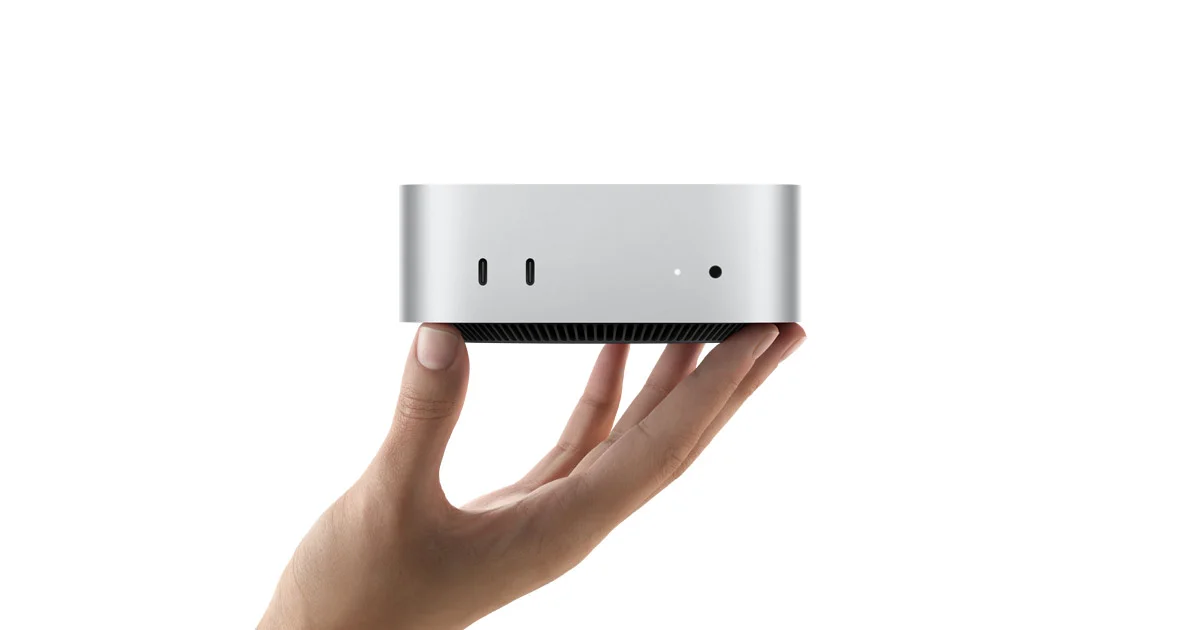
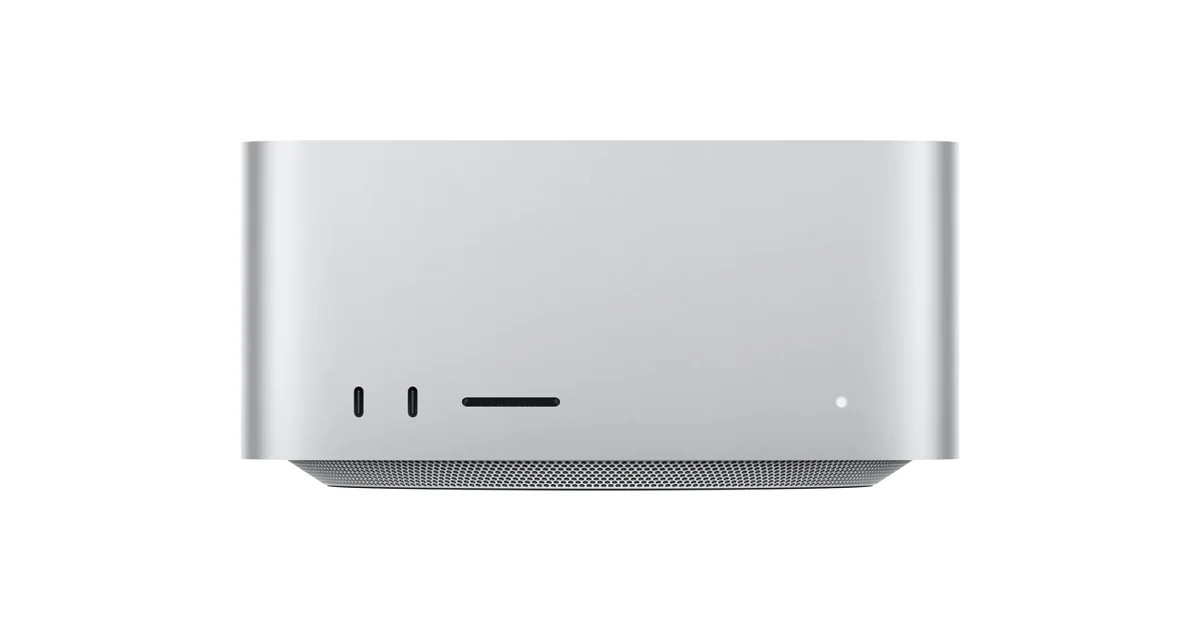
36GB unified memory · 512GB SSD
Built for long parallel workloads and local models when you want one serious desk machine.
View on Coupang
32GB+ RAM with WSL2
If you must stay on Windows, get generous memory and pair it with WSL2.
View on CoupangThis page contains Coupang Partners affiliate links; qualifying purchases may benefit QJC.
Want a deeper pick for AI work? See the Mac guideReal footage
Curious what an agent actually doing company work looks like? Start with this video.
PART 2
A window where you talk to your computer in text. Instead of clicking icons, you type commands and the computer runs them as written. It looks foreign, but you only use a handful of rules daily.
Because agents like Claude Code live and work inside the terminal. Once you're comfortable there, you gain a control room for running several agents at once.
The Mac terminal standard
A long-refined Mac-only terminal. Strong split panes and shortcuts make it great for keeping agent sessions side by side.
brew install --cask iterm2Official siteFast, with minimal setup
Renders with the GPU, so it stays smooth even with heavy agent output. Sensible defaults let you use it right after install.
brew install --cask ghosttyOfficial siteBuilt for agent notifications
A terminal made for AI coding agents. When an agent waits for input, an indicator lights up, so you miss less while running many sessions.
brew tap manaflow-ai/cmux && brew install --cask cmuxOfficial siteFleet control for agents
An orchestrator that runs multiple agents side by side, each isolated in its own working folder. A companion app lets you check progress from your phone.
brew install --cask stablyai/orca/orcaOfficial siteClaude Code installs natively on Windows too. Some features like sandboxing need WSL2, so check the setup criteria in Part 3.
Locked content preview
iTerm2
Ghostty
cmux
Orca
The small, annoying problems every terminal throws at you, we've already worked through them for you.
Already a student? Log in to continue
PART 4 · FREE
A reference is an example that shows what you want to build. Give your AI one screen you like and explain why you like it to set a clearer direction than “make it look nice.”
Pick a first screen from Supahero, then a palette from Color Hunt. Add shadcn/ui when you need buttons or inputs. You do not need all 20 sites to get started.
A hero is the first section of a page. Components are interface parts such as buttons and inputs. A palette is a set of colors used together, and a landing page introduces a product or service.
Expand a category below. Save an example URL or screenshot and note two things you like, such as a large heading or generous spacing.
Send the example and prompt below to Claude Code or your AI tool. Attach a screenshot if it cannot read the link. For sites offering code, ask it to check compatibility with your project first.
Build just the first screen, then check readability and buttons on your phone. Request one change at a time, such as making the mobile heading fit on two lines.
Site names open in a new tab. Check each service for account requirements, pricing, and template usage terms.
Choose an overall mood and layout from a gallery.
Browse hero sections and pick a heading, image, and button layout you like.
Explore dark websites and look for readable text and visible buttons.
Explore well-designed macOS apps and study their product descriptions and images.
Preview web templates and effects, then adapt the provided AI prompt to your own content.
Explore distinctive mobile websites, their navigation, and vertical scrolling layouts.
Components are building blocks for developers. Pick an example and ask your AI to adapt it to your project.
Choose interface parts for AI chat, waiting and progress states, and task approvals.
Preview animated React and Next.js components and start with one useful placement.
Pick a distinctive animated React component and check that it stays comfortable on mobile.
Share an example of a menu or card transition with your AI.
Explore basic interface parts such as buttons, inputs, and dialogs for your first app.
Choose colors, then check that text stands out from its background.
Preview colors and fonts in a website layout and compare readability.
Generate or browse color combinations and give your AI the codes and a role for each color.
Use a color wheel to compare combinations that work with your brand color.
Start by choosing colors you like so this AI tool can suggest combinations that suit your preferences.
Browse ready-made palettes and assign background, text, and accent colors.
Explore brand examples, written design rules, and product improvement tools.
Study this AI content service as a branding example: its character, wording, and colors.
Read the GitHub README, then share a relevant company design reference document with your AI.
Check the current features of this product growth service before using its ideas to improve your page.
Click the box to select the whole prompt, then press Ctrl+C (⌘C on Mac). Replace the bracketed parts with your details. On a phone, long-press to copy.
Check for horizontal overflow on your phone, readable text against the background, and buttons that open the intended destination. Use your own content and permitted assets instead of copying another site’s logo, photos, or wording.
Singularity Builders is an AI agent bootcamp we run both in person and online. We'll go from setup to real work together.
Learn about Singularity Builders